
IT Operations · User Support · Service Management
Technical Helpdesk Services: A Guide to Better IT Support
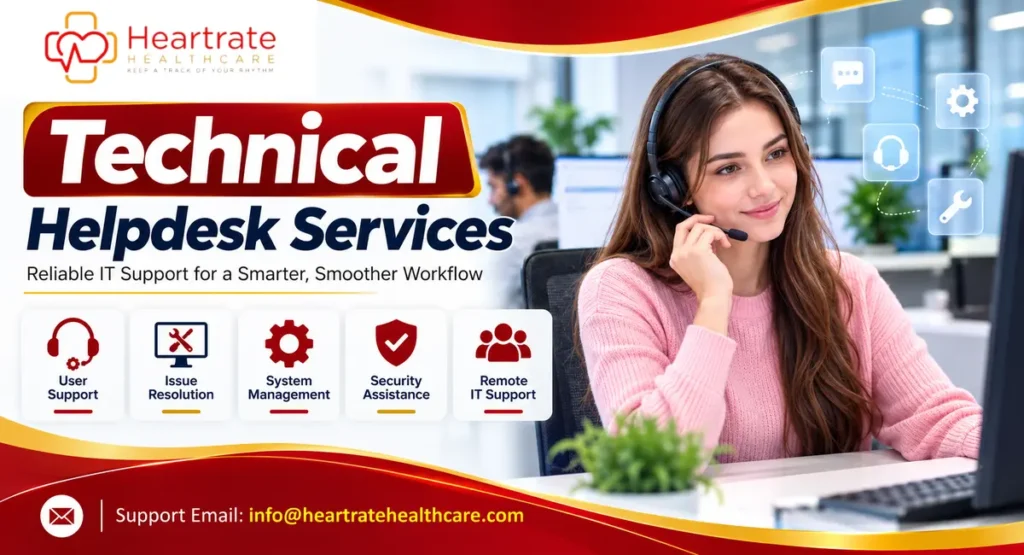
Technical Helpdesk Services give employees and customers a dependable place to report technology problems, ask for assistance, and get guidance using business systems. When support is organized well, people spend less time struggling with devices, applications, accounts, and connectivity—and more time doing their work. For growing organizations, a helpdesk is not simply a phone number or an inbox. It is a structured service built around clear ownership, consistent troubleshooting, secure access, and communication that keeps users informed.
This guide covers helpdesk responsibilities, ticket workflows, support models, tools, security, and provider evaluation for business and IT leaders.
What Are Technical Helpdesk Services?
Technical Helpdesk Services are organized support activities that help users resolve technology issues and use approved systems effectively. Technical Helpdesk Services may assist with computers, business applications, email, printers, network access, user accounts, collaboration platforms, and other tools an organization relies on. The exact scope depends on the support agreement, internal policies, available skills, and the systems in use.
A helpdesk is often the first point of contact for an IT issue. It records the request, confirms the user and affected service, assesses urgency, attempts an appropriate fix, and escalates the issue when specialist attention is required. The service also records what happened so that recurring incidents can be identified and handled more consistently.
Helpdesk and service desk are sometimes used interchangeably, but they can describe different scopes. A helpdesk commonly focuses on user questions and incident resolution. A broader service desk may also coordinate service requests, changes, knowledge, and the overall user experience across IT services. Organizations should define the terms in their own service documentation rather than assume every provider uses them identically.
Why Helpdesk Support Matters to Modern Organizations
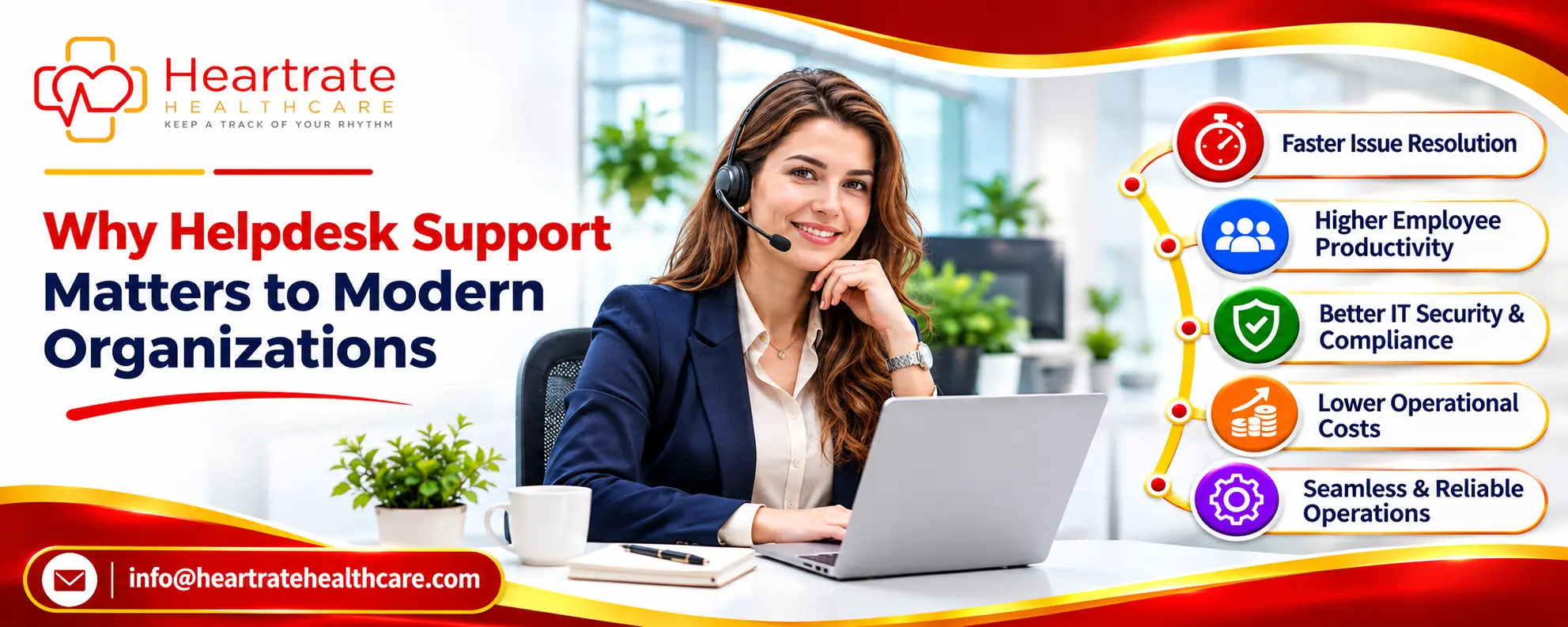
Technology interruptions can delay work, disrupt meetings, and affect customer service. A responsive helpdesk gives users a clear way to report problems and gives IT teams a consistent process for handling them.
- Less avoidable downtime: A clear reporting route helps users raise issues promptly and get suitable troubleshooting.
- More consistent assistance: Shared procedures and knowledge articles reduce reliance on informal, person-to-person fixes.
- Better visibility: Ticket records show common problems, affected services, workload, and unresolved requests.
- Improved user experience: Updates and realistic expectations help users understand progress.
- Stronger operational control: Defined permissions, escalation paths, and documentation make support easier to oversee.
A ticketing tool alone does not guarantee better support. Results depend on skilled staff, clear priorities, useful documentation, and learning from repeat incidents.
Common Responsibilities Covered by Technical Helpdesk Services
The right support scope should reflect the organization’s environment. Some teams need basic user assistance; others require coordinated support across multiple offices, applications, and time zones. Common responsibilities include the following.
Device and workplace technology support
Support teams may help users diagnose approved desktop and laptop issues, operating-system errors, peripherals, printers, headsets, and workplace equipment. They can guide users through safe checks, confirm whether a device needs repair, and arrange escalation to endpoint or hardware specialists. Physical repairs, replacement devices, and on-site visits should be explicitly included or excluded in the service scope.
Account, password, and access assistance
Common requests include password resets, account lockouts, multi-factor authentication, and application access. Verify identity before changing an account.
Application and software troubleshooting
Helpdesk staff can assist with approved applications, installation guidance, configuration, browser issues, updates, and common errors. Route development, licensing, and complex administration issues to the appropriate specialist with clear diagnostic notes.
Connectivity and collaboration support
Typical requests involve Wi-Fi, VPNs, email, shared drives, video meetings, and collaboration tools. First-line staff can check basic settings while network specialists investigate wider outages.
New-user and employee transition support
Support workflows may coordinate account setup, device readiness, access changes, and equipment return. Use documented approvals and checklists, especially when an employee changes roles or leaves.
How the Helpdesk Support Process Works
Effective Technical Helpdesk Services follow a repeatable process. The workflow should be easy for users to understand while giving technicians enough information to investigate the issue.
- Request intake: A user contacts support through an approved portal, email address, phone line, or chat channel. The service records the issue and creates a ticket or case reference.
- Verification and clarification: The agent confirms the requester’s identity where necessary, identifies the affected device or service, and asks focused questions. Sensitive information should not be requested unless it is genuinely needed and handled through an approved secure channel.
- Classification and priority: The ticket is categorized by issue type and assessed using impact and urgency. A widespread outage may need a different response from a single-user how-to question.
- Diagnosis and resolution: The technician follows approved troubleshooting steps, explains any user actions, and records changes made. Remote access should be authorized, limited, and auditable.
- Escalation: If the issue exceeds the agent’s access or expertise, it moves to a specialist team or vendor with the troubleshooting already completed documented clearly.
- Confirmation and closure: The user is told what was done and asked to confirm whether the issue is resolved. The ticket is closed according to the agreed process.
- Review and prevention: Repeated incidents are analyzed to identify root causes, update knowledge articles, or recommend a permanent fix.
Common Helpdesk Support Models
Organizations can arrange Technical Helpdesk Services in several ways. The best fit depends on operating hours, user locations, technical complexity, budget, risk, and the need for local assistance.
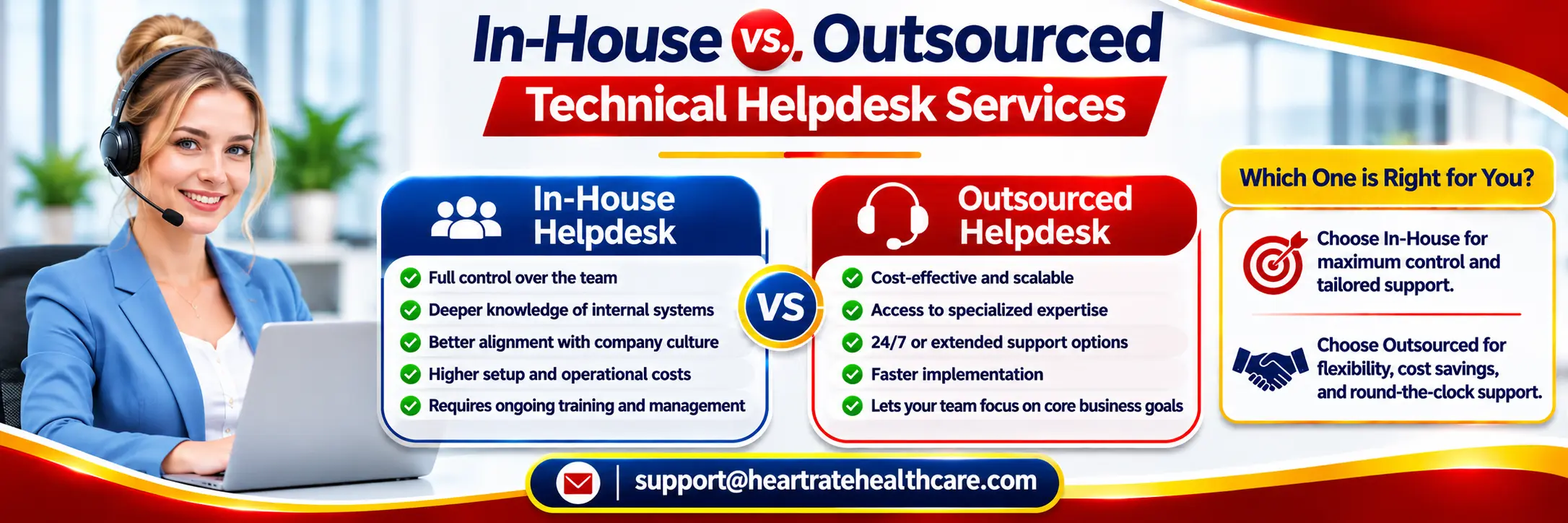
In-house helpdesk
An internal team works directly within the organization. This can provide close familiarity with business systems, teams, and internal processes. It also means the organization is responsible for recruitment, training, coverage, tools, management, and continuity when staff are unavailable.
Outsourced helpdesk
An external provider handles an agreed set of support activities under a contract or service schedule. Outsourcing may provide access to a larger support team or extended coverage, but the organization must define responsibilities, security controls, escalation routes, reporting, and service boundaries before work begins.
Co-managed or hybrid support
A hybrid model combines internal IT ownership with external first-line or specialist support. For example, an external team might handle routine tickets while internal administrators retain control of privileged access, architecture, and sensitive changes. Clear handoffs are essential so users do not have to repeat the same information to multiple teams.
| Model | Potential advantage | Planning consideration |
|---|---|---|
| In-house | Direct control and organizational knowledge | Staffing, coverage, training, and continuity |
| Outsourced | Access to an external support operation | Contract scope, data access, oversight, and handoffs |
| Hybrid | Shared workload and retained internal ownership | Clear responsibility boundaries and escalation |
Tools and Technology That Support an Effective Helpdesk
Support tools should make work visible without adding unnecessary complexity. A ticketing platform records requests, ownership, priority, communication, and resolution notes.
- Ticket management: Captures requests, assigns owners, tracks status, and maintains a history.
- Knowledge base: Stores approved troubleshooting guides, frequently asked questions, and step-by-step instructions.
- Remote support tools: Allow authorized technicians to diagnose certain issues without being physically present. Access should be consent-based and controlled.
- Monitoring and alerts: Help technical teams identify service interruptions or performance changes before many users report them.
- Asset and configuration records: Connect devices, software, users, and services to support accurate troubleshooting and lifecycle management.
- Reporting dashboards: Summarize request volumes, response and resolution trends, backlog, repeat incidents, and service performance.
Evaluate integration, accessibility, audit logs, permissions, retention, reporting, and data export. Choose tools the team can maintain and that solve a defined problem.
Security, Privacy, and Access Management
Helpdesk teams work close to user accounts, devices, and business information. Define permitted actions, identity checks, approval requirements, and how privileged activity is recorded.
Use multi-factor authentication, least-privilege permissions, secure remote sessions, audit logs, and regular access reviews. Never share administrator credentials or store passwords and one-time codes in ticket notes.
For healthcare organizations, support workflows may encounter systems that contain protected health information. The organization should assess applicable privacy and security obligations, vendor access, contractual requirements, workforce training, incident response, and safeguards for any data handled by a support provider. Do not assume a helpdesk vendor is compliant simply because it serves healthcare clients. Verify the actual scope, controls, agreements, and responsibilities with qualified compliance and security professionals.
Service Levels, Response Times, and Quality Measurement
Service-level targets define support hours, response expectations, escalation windows, updates, and resolution goals by priority. Response time is not resolution time: acknowledging a ticket does not mean the issue is fixed.
Priority should be based on documented impact and urgency. For example, a critical system outage affecting many users may require immediate escalation, while a routine software question can follow a standard queue. Avoid promising one universal resolution time for every issue because complex incidents may depend on vendors, infrastructure, approvals, or replacement hardware.
Useful helpdesk performance indicators
- First response time: How long users wait for an initial meaningful response.
- Resolution time: How long it takes to restore service or complete the request.
- First-contact resolution: The proportion of eligible requests resolved during the first interaction.
- Backlog and aging: How many tickets remain open and how long they have been waiting.
- Reopen and repeat-incident rates: Whether issues return after closure or recur across users.
- User feedback: Whether communication and support were clear, respectful, and useful.
Interpret metrics in context: ticket volume may reflect growth or a major outage, not poor performance. Review trends alongside complexity, staffing, and user feedback.
In-House vs. Outsourced Technical Helpdesk Services
Choose a model based on technical complexity, required coverage, physical presence, internal expertise, and cost. In-house teams offer direct organizational knowledge; outsourcing can add capacity or coverage for a defined scope.
Compare the full cost: staffing, training, software, security reviews, management, transition, and after-hours coverage. For external providers, review contracts, subcontractors, data handling, access controls, incident notification, reporting, and exit support.
Organizations exploring broader technology support can review the published healthcare IT services information from Heartrate Healthcare. The page should be used to understand the services actually described there; confirm any specific helpdesk scope, availability, or deliverables directly before relying on them.
How to Choose a Technical Helpdesk Provider
A provider should explain ticket intake, identity checks, supported systems, prioritization, escalation, and reporting. Ask for sample documentation with confidential details removed.
Use a structured evaluation rather than relying on broad claims. Consider the following questions:
- Does the provider clearly list supported devices, operating systems, applications, and channels?
- Are service hours, languages, locations, and coverage limits documented?
- Can the provider explain its identity verification, remote access, and privileged access controls?
- How are incidents escalated to internal teams, vendors, or specialist engineers?
- Can you access ticket history, performance reports, and knowledge records?
- How are onboarding, staff training, quality reviews, and continuity handled?
- What happens to accounts, data, records, and open tickets when the contract ends?
Validate references and security claims, agree on a transition plan, and consider a small pilot with measurable goals before full rollout.
To understand the organization behind the service information, visit Heartrate Healthcare’s company overview. For questions about the company’s published offerings or to clarify whether a particular support requirement is in scope, use the Heartrate Healthcare contact page.
Implementation Checklist for a More Reliable Helpdesk
Begin with the users and services that need support. Review request volume, recurring problems, and risk areas before designing the workflow.
- Define the service scope. List supported users, locations, devices, applications, channels, operating hours, and exclusions.
- Map common request types. Identify frequent incidents and service requests, then create categories and priority definitions that users and technicians can understand.
- Set ownership and escalation. Name the teams responsible for first-line support, specialist work, approvals, vendor coordination, and major incidents.
- Configure the ticket workflow. Establish required fields, status definitions, notifications, assignment rules, and closure criteria.
- Write useful knowledge articles. Document safe, repeatable fixes and explain when users should stop troubleshooting and contact support.
- Apply security controls. Review identity checks, least-privilege access, remote support, audit records, retention, and incident handling.
- Train users and technicians. Explain how to raise a request, what information to include, and how support staff should communicate updates.
- Review results and improve. Use ticket trends and user feedback to fix recurring causes, update documentation, and adjust staffing or service targets.
For organizations that also manage healthcare applications and operational systems, support planning should connect with wider technology governance. Heartrate Healthcare publishes information about its company and healthcare technology focus on its official website. Confirm current service scope and contractual details with the organization before making procurement decisions.
Frequently Asked Questions
What do Technical Helpdesk Services include?
They commonly include user support for devices, accounts, software, connectivity, collaboration tools, ticket handling, troubleshooting, and escalation. The exact scope depends on the service agreement.
What is the difference between a helpdesk and a service desk?
A helpdesk often focuses on user questions and incident resolution. A service desk may cover a wider set of IT service management activities, including service requests, changes, and service experience. Organizations may use the terms differently.
Can a helpdesk provide 24/7 support?
Some providers offer round-the-clock coverage, while others operate during defined business hours. Confirm time zones, holidays, languages, after-hours escalation, and whether every support channel is staffed continuously.
Are outsourced helpdesk services secure?
They can be operated with appropriate safeguards, but security depends on actual controls and oversight. Review identity verification, access permissions, remote sessions, logging, contractual obligations, incident response, and data handling before granting access.
Which metrics should an organization track?
Useful measures include first response time, resolution time, first-contact resolution, backlog age, repeat incidents, reopen rates, and user feedback. Interpret each metric in light of issue complexity and business impact.
How should a business get started?
Document the users and systems that need support, identify common problems, define service hours and escalation owners, select a ticketing process, and establish security requirements. A limited pilot can test the workflow before wider rollout.
Need to Discuss Your IT Support Requirements?
Start by documenting the systems, users, support hours, and service expectations your organization needs. Contact Heartrate Healthcare to ask about its published healthcare technology capabilities and confirm whether your specific requirement is within scope.
Contact the Heartrate Healthcare team for more information.